 English
  Arabic
  Chinese
  French
  Russian
  Spanish
 Submitting an abstract to the conference is done entirely from your dashboard — there’s no email or attachment to send. This guide walks you through the submission form from start to finish so your abstract arrives complete and correctly formatted for review.
Before you start
A few things worth knowing before you begin:
- You must be the lead author (or, for a proposed symposium, the chair). All updates and programme information are sent to the submitting author’s email address, so it needs to be you.
- Have your details ready. You’ll need your title, your abstract text, and the name, department, city and country for each author exactly as they should appear in print.
- Check the guidelines. Сайт Abstract Guidelines link at the top of the page sets out the word limits and what each abstract type should contain.
Starting a submission
From your dashboard, open My Abstracts and click Submit an Abstract. This opens the submission form, which is divided into clearly labelled sections. You can work down it in order.
Choosing your type and categories
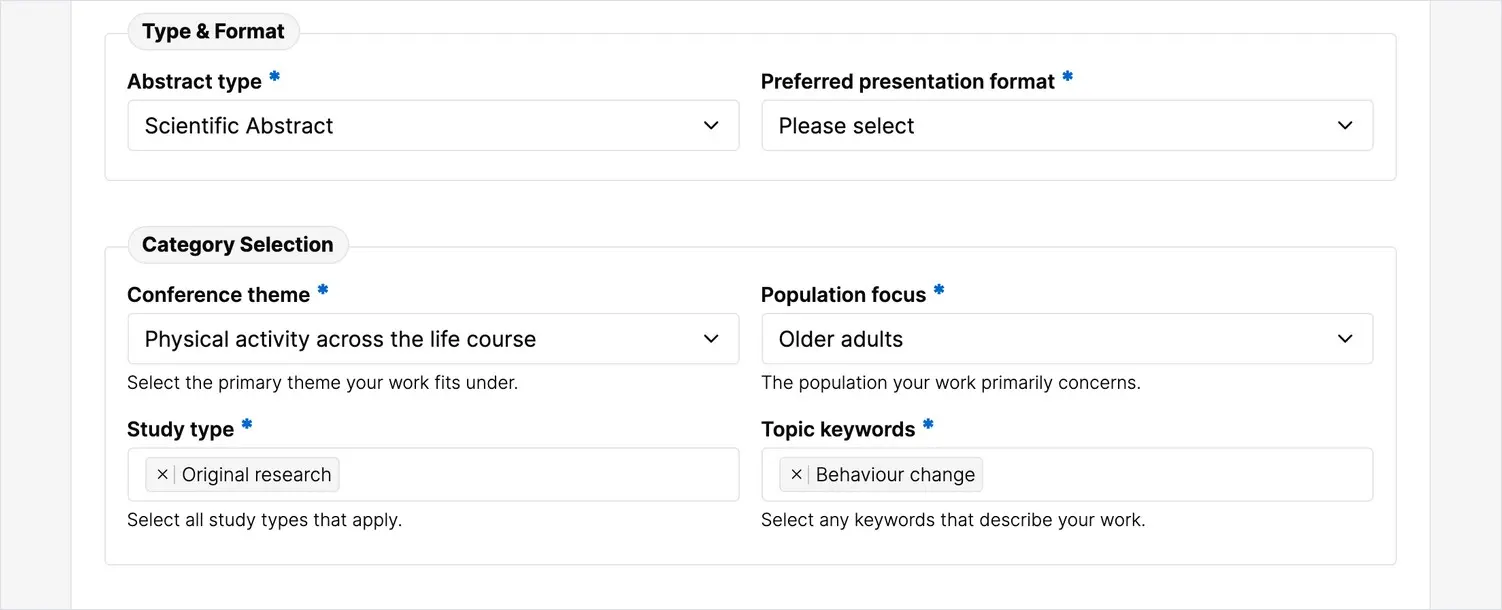
First, choose your Abstract type — for example a scientific or a policy abstract. Then make your Category selections: these are the conference’s topic areas, and they determine which part of the programme your work is considered for and which reviewers assess it. Choose the categories that best describe your research.
Adding your title and abstract
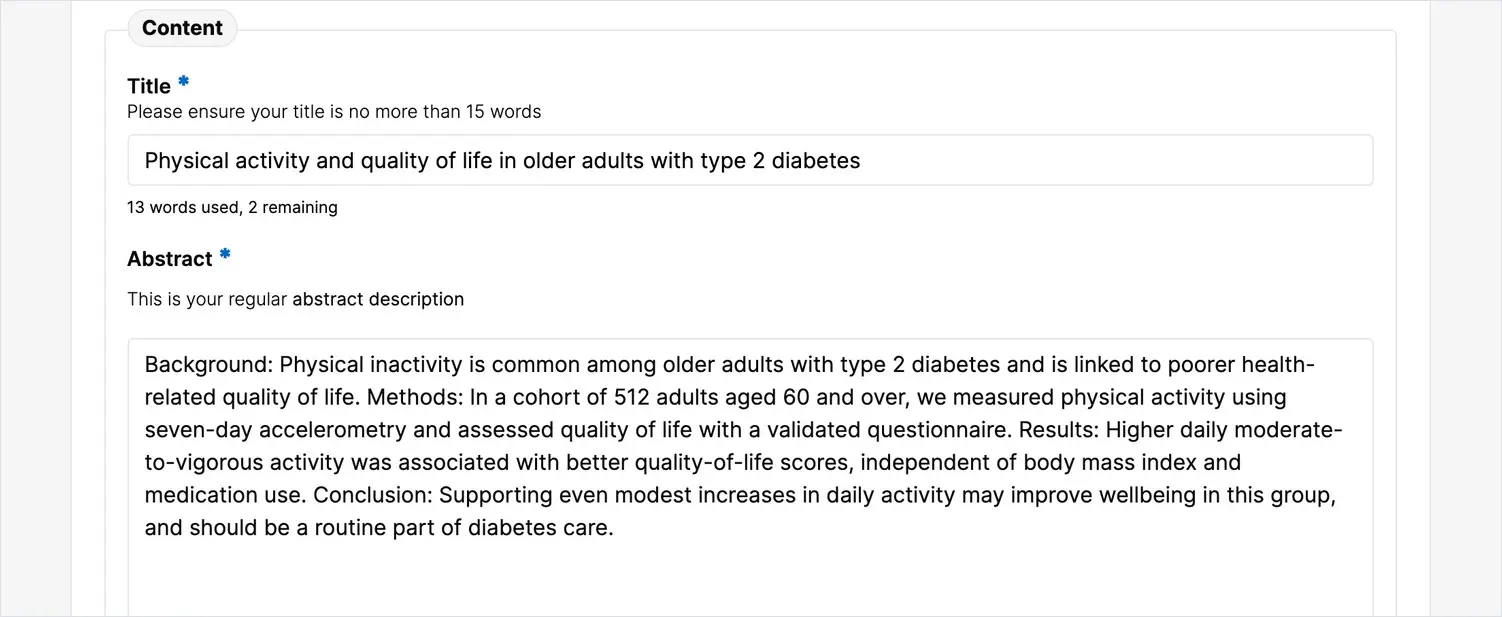
Enter your title and your abstract text in the Content section. Watch the word counter beneath each field — it shows how many words you have left, and the form won’t let you exceed the limit. Write your abstract as you’d want it to read in the programme; it’s your work’s first impression on both the reviewers and the audience.
Declaring conflicts of interest
Every abstract includes a conflict of interest statement. Confirm either that the authors have no relevant conflict, or that a financial or personal relationship should be disclosed. This appears alongside your abstract, so answer it honestly.
Entering author details
The author and affiliation details you enter here appear unedited in the official abstract book and may be reproduced in citations, so enter them exactly as they should appear in print:
- Primary workplace — the full official name (for example University of Cambridge, not Cambridge Uni). Avoid acronyms unless they’re part of the official name.
- Department — your specific department, school or unit, entered separately from the workplace.
- City and country — where your workplace is located.
- Presenting author — indicate whether you’ll be the one presenting.
Take care with spelling, capitalisation and accented characters — these are the details attributed to each author’s work.
Confirming and submitting
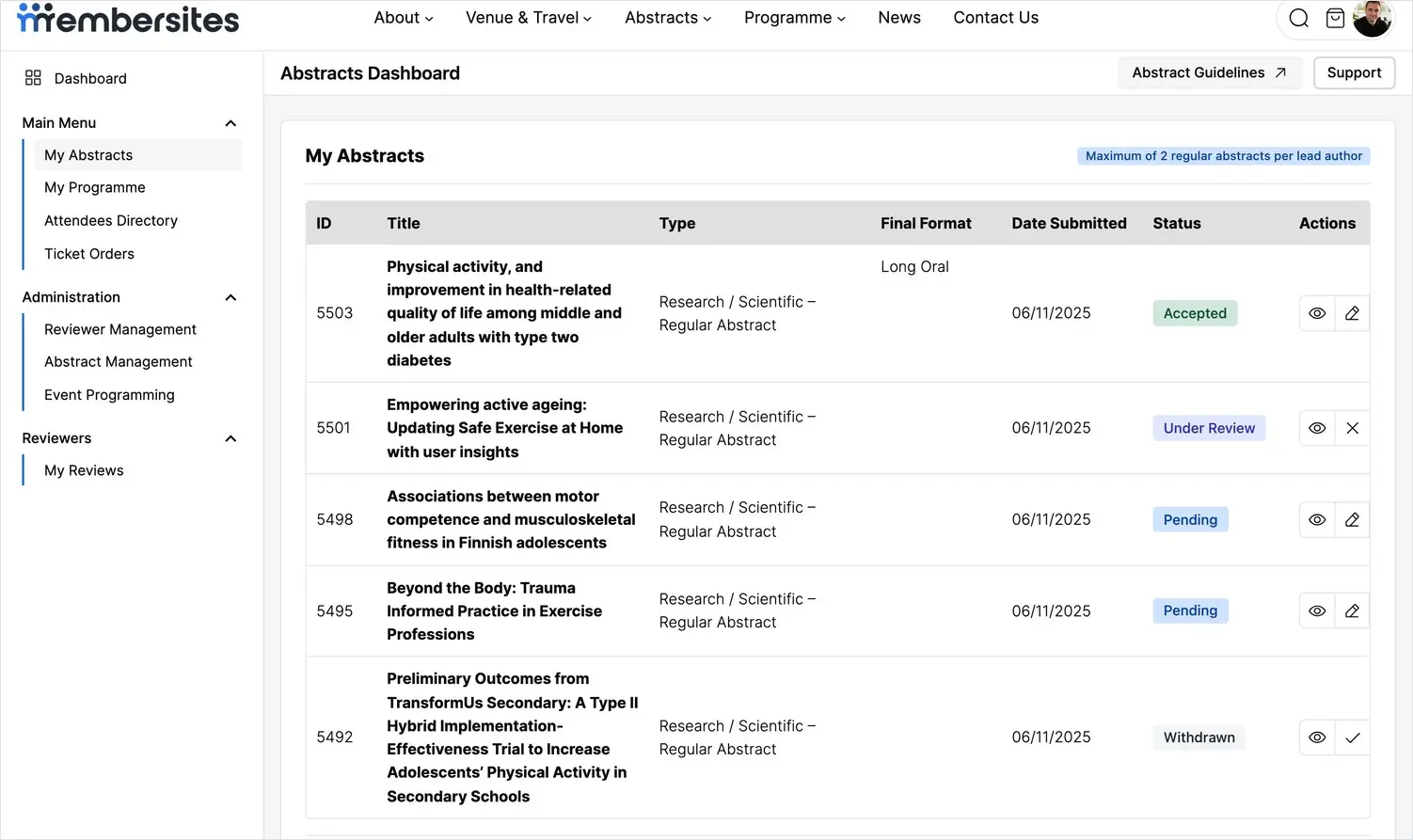
Tick the confirmation box to declare that your information is accurate and complete, then click Submit Abstract. Your abstract is saved immediately and appears in My Abstracts with a status of Pending.
After you submit
You don’t need to do anything further. You can return to My Abstracts at any time to review, edit or withdraw your submission while it’s still open, and you’ll be notified by email when a decision is made. For how to manage your submissions after this point, see the related article on managing your abstracts.