 English
  Arabic
  Chinese
  French
  Russian
  Spanish
 Your ticket store keeps a running record of every sale, and the Аналитика area turns that into clear reports — how many tickets you’ve sold, how much revenue you’ve taken, which ticket types are most popular, and how bookings are trending as your conference approaches. This guide shows you how to get the figures you need.
Where to find your reports
From your dashboard, open Аналитика. Along the side you’ll see the different reports — Revenue, Orders, Продукция, Coupons and more. Each one opens a chart with a summary above it and a detailed table below.
Choosing your date range
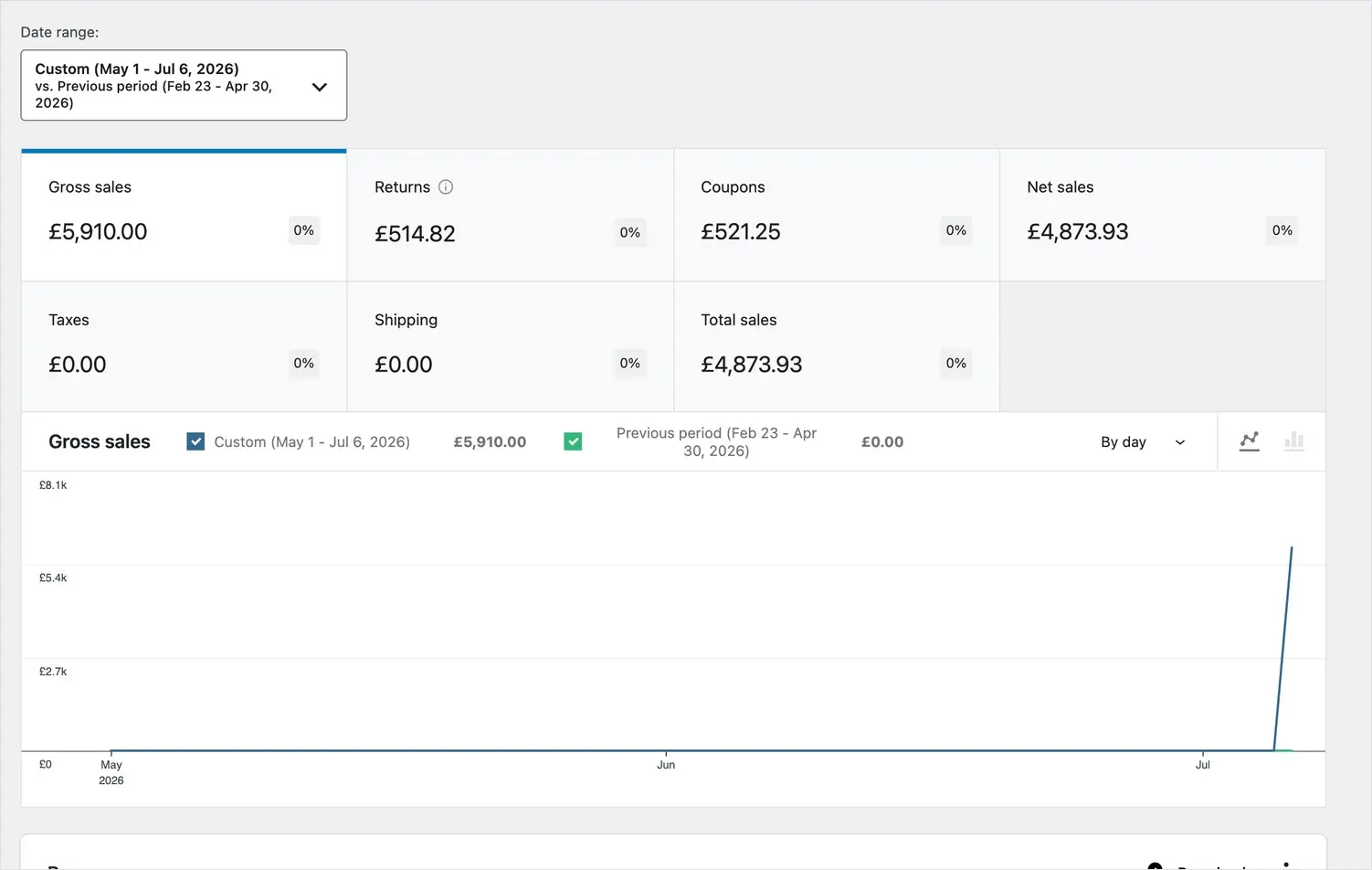
Every report works over a date range, set at the top of the page. Pick a preset such as Last 7 days, Month to date or Year to date, or set your own custom dates — for example, from the day bookings opened to today. You can also switch on a comparison (against the previous period or the previous year) to see whether bookings are ahead of or behind where they were.
The reports that matter for a conference
- Revenue — total takings over time, so you can watch income build towards your target.
- Orders — how many bookings you’ve had, and the average value of each.
- Продукция — sales broken down by ticket type, so you can see how Full Delegate, Student and Day passes are each selling.
- Coupons — how often each discount code has been used and how much it has discounted.
Reading a report
The summary figures at the top give you the headline numbers for your chosen dates. The chart shows the trend, and the table beneath breaks it down row by row — for example, each ticket type with the number sold and the revenue it brought in. Use the table’s column headings to sort, and the filters to narrow to a single ticket type or status.
Exporting the figures
Any report table can be downloaded as a spreadsheet (CSV) using the download option above it. This is the quickest way to share numbers with your committee, your finance team or your board, or to reconcile takings at the end of the event.
A quick pre-conference health check
In the weeks before your event, a good routine is: open Revenue for the year to date with the previous-year comparison on, glance at Продукция to see which ticket types are selling, and check Orders for the booking rate. Together these tell you at a glance whether you’re on track and where a marketing push might help.