 English
  Arabic
  Chinese
  French
  Russian
  Spanish
 "(《世界人权宣言》) Abstract Book Designer turns your accepted abstracts into a ready-to-publish book — every title, author, affiliation and abstract laid out consistently and formatted for print. Instead of copying abstracts by hand into a document, you preview the whole book on screen and copy it into your design tool in one step. This guide explains how.
Where to find it
The Abstract Book Designer is a tab within Event Programming. Open it once your abstracts have been accepted, so the book reflects your final selection.
What the preview shows
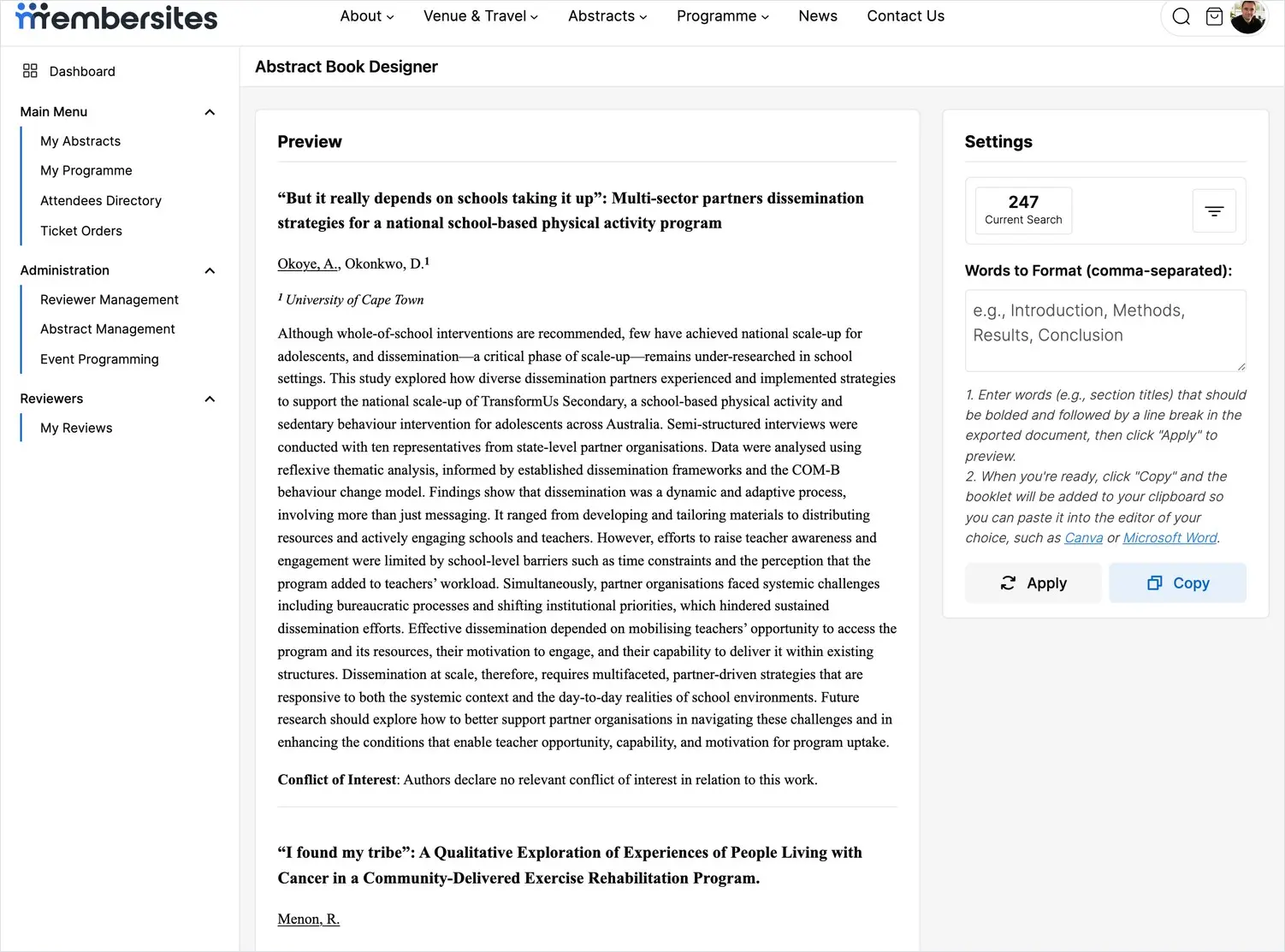
"(《世界人权宣言》) Preview takes up most of the screen and shows every abstract exactly as it will appear in the book: the title, the authors with their affiliations numbered and listed, the full abstract text, and the conflict of interest statement. Because it’s built from what authors submitted, the details appear as they entered them — which is why accurate author information at submission matters so much.
Formatting section headings
Many abstracts are structured with headings such as Introduction, Methods, Results 和 结论. In the Settings panel, enter these words in the Words to Format box, separated by commas. When you click Apply, the preview updates to show each of those words in bold on its own line — so every structured abstract reads cleanly and consistently throughout the book.
Copying the book into your design tool
When the preview looks right, click Copy. The entire book is copied to your clipboard, ready to paste straight into the tool of your choice — for example Microsoft Word or Canva — where you can add your cover, contents page and branding, then export the final PDF.
Tips for a clean book
- Finalise decisions first. Generate the book once your accepted list is settled, so nothing needs re-copying later.
- Use the same heading words your authors used, so the formatting applies everywhere it should.
- Do a final proof in your design tool after pasting, checking accented characters and author names have carried across correctly.