English
  Arabic
  Chinese
  French
  Russian
  Spanish
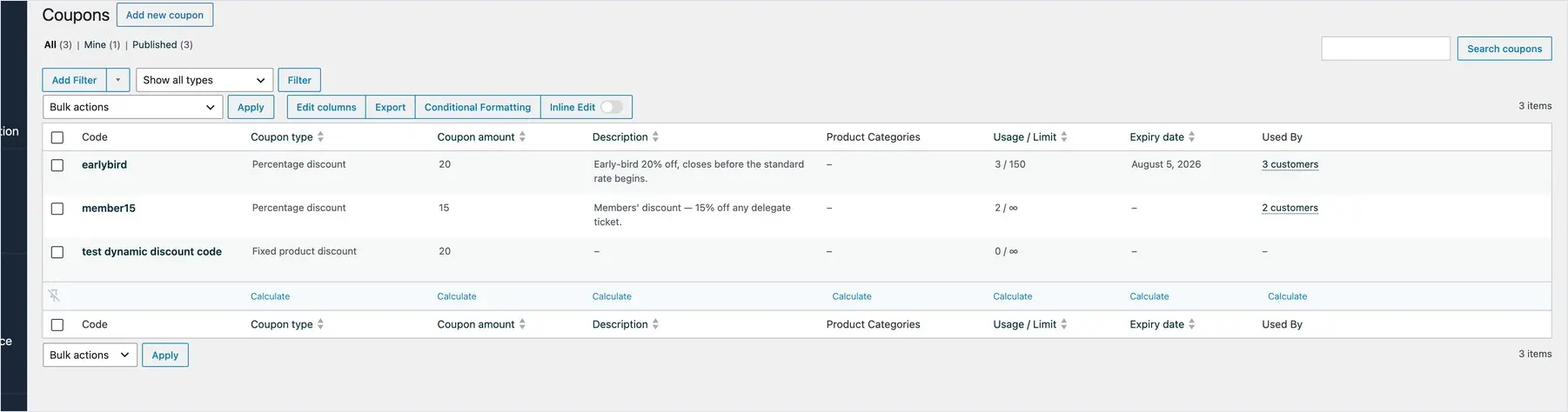
 Coupons let you offer discounts on your tickets — an early-bird rate, a members’ price, a code for invited speakers, or a percentage off for a partner organisation. A delegate enters the code at checkout and the discount is applied automatically. This guide walks through creating a coupon and controlling exactly how it can be used.
Creating a coupon
From your dashboard, go to Marketing → Coupons and choose Add coupon. Give it a code — this is what delegates will type at checkout, so make it short and memorable, for example EARLYBIRD, MEMBER25 or SPEAKER. Codes aren’t case-sensitive.
Setting the discount
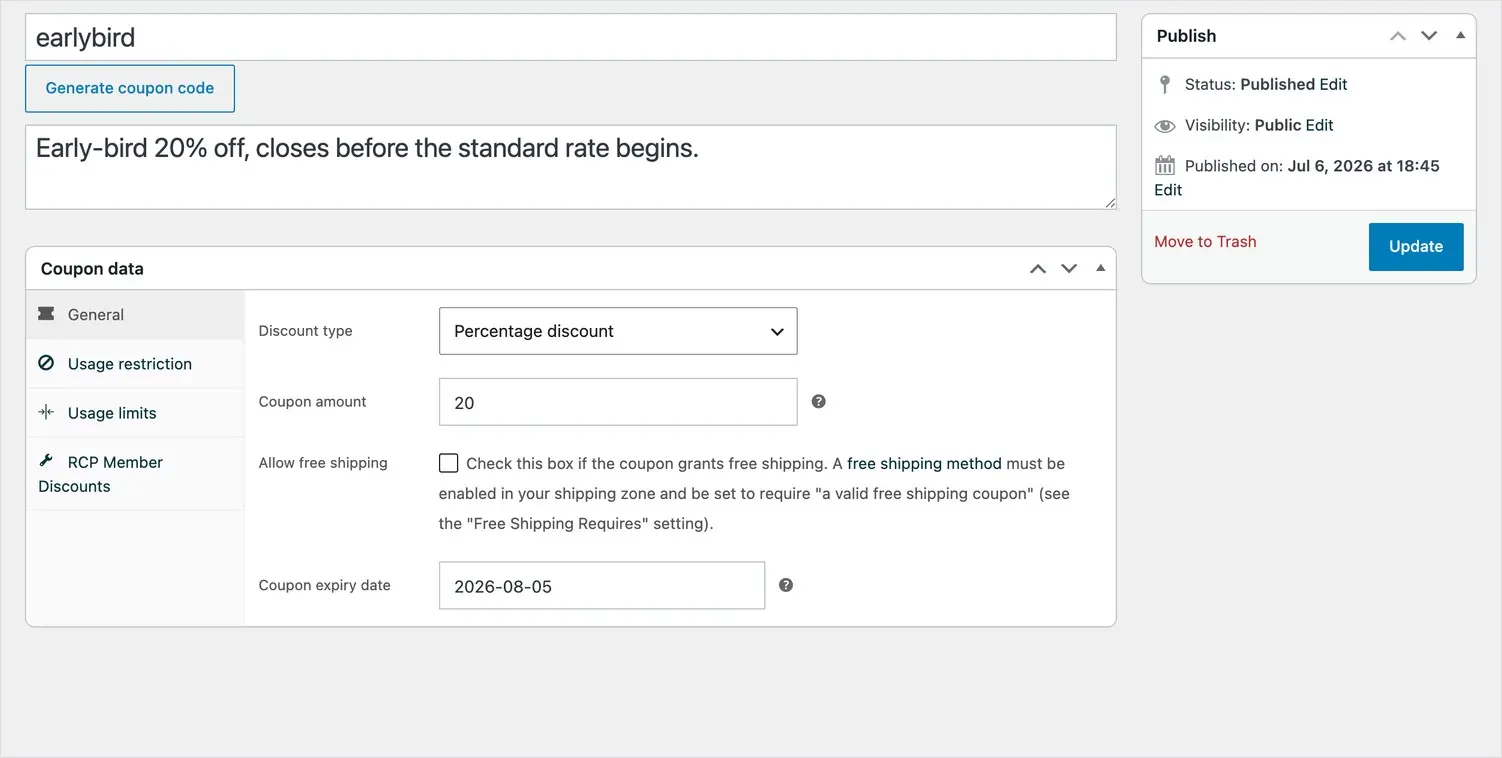
Choose the discount type و amount:
- Percentage discount — a percentage off the ticket, for example 25% for members.
- Fixed discount — a set amount off, for example £50 off a Full Delegate ticket.
For a complimentary place — an invited keynote, say — use a 100% percentage discount so the ticket comes to zero.
Controlling where it applies
Under the coupon’s usage restrictions you can limit exactly what the code works on, so a discount only ever applies where you intend:
- Which tickets — restrict the code to specific ticket types, so (for example) a student code can’t be used on a full delegate ticket.
- Minimum spend — require a minimum order value before the code is valid.
- Individual use only — stop the code being combined with other coupons.
Limiting how often it can be used
Under usage limits you decide how many times a code can be redeemed:
- Total uses — cap the number of times the code can be used overall, ideal for a limited early-bird allocation.
- Uses per person — usually set to one, so each delegate can only redeem it once.
For a single-use code — one specific speaker or guest — set the total uses to one.
Setting an expiry date
Give the coupon an expiry date and it stops working automatically after that day — perfect for an early-bird deadline, so you never have to remember to switch it off. Once you’ve set everything, publish the coupon and it’s live.
Sharing and tracking your codes
Share the code however suits — in your call for registration, a members’ email, or directly with a guest. To see how a code is performing, open the Coupons report in Analytics, which shows how many times each code has been used and how much it has discounted.